

Chat basics
Chat guide
Everything you need to talk with your character — from your first message to memories, scenes, audio, and calls.
Basic chat controls
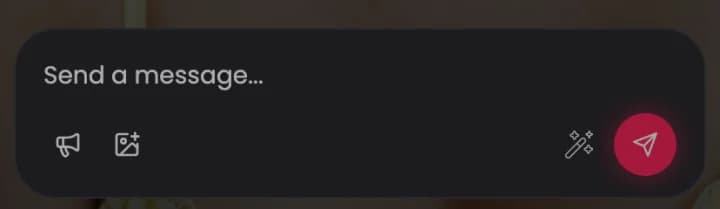
The message bar sits at the bottom of every chat.
- Type a message and tap the send button to reply.
- Wrap an action in asterisks to describe what you do, such as *I hug her*. The character writes actions the same way.
- Tap Suggest a reply (the wand) when you want an idea for what to say next.
- Tap Steer the conversation (the megaphone) to nudge where the story goes.
- Tap Send a photo or scene (the image icon) to picture the current moment. It costs 5 Neon Coins.
Message actions
Tap a message to reveal its actions.
- Copy, edit, or delete any message in the chat.
- Tap regenerate to get a fresh version of the character's last reply.
- Tap the speaker to hear a reply out loud. It costs 5 Neon Coins.

Controlling the conversation
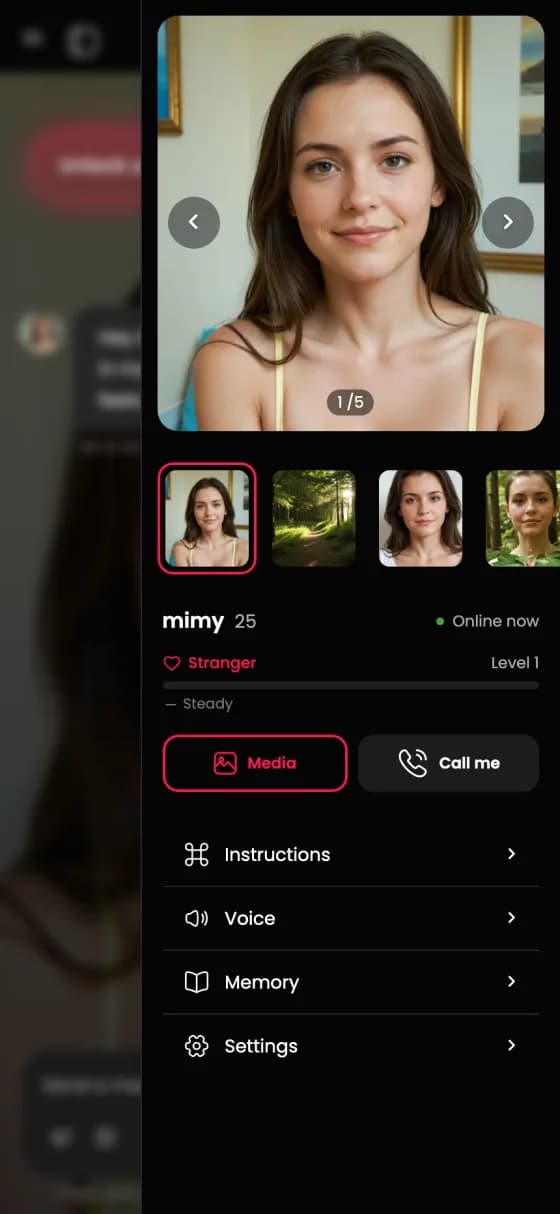
Tap the character's name at the top of the chat to open the panel. From here you can view media, start a call, and open Instructions, Voice, Memory, and Settings. The panel also shows your relationship level.
Conversation settings
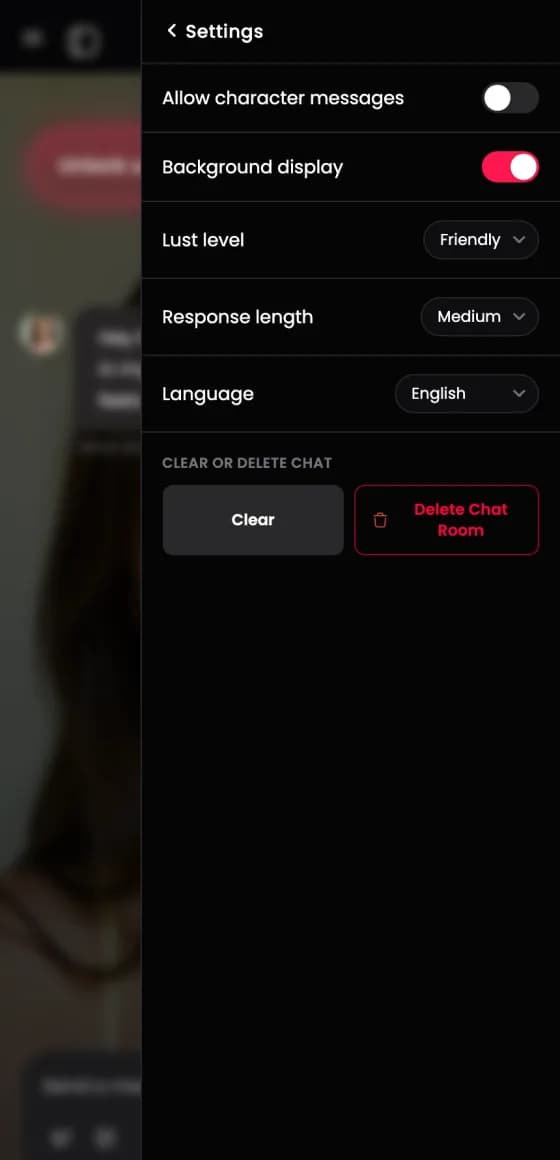
Open Settings from the panel to tune how the chat behaves.
- AI model
- Choose which AI writes the replies. Some models are for Premium members.
- Allow character messages
- Let the character message you first between your replies.
- Background display
- Show the character image behind the conversation.
- Lust level
- Set the spice. Friendly keeps it platonic and slow. Flirty, Steamy, and Intense unlock romance and adult scenes right away — Intense also warms the relationship the fastest, so pick it when you want a spicy chat from the start.
- Friendliness
- Set how warm the character is toward you, from Cold to Affectionate.
- Response length
- Choose short, medium, or long replies.
- Creativity
- Set how predictable the replies are. Focused stays consistent, Balanced is the default, and Creative is more surprising.
- Language
- Pick the language the character replies in.
- Clear
- Restart this chat from the beginning and keep the chat room.
- Delete chat room
- Remove this conversation for good.
Pinned memories
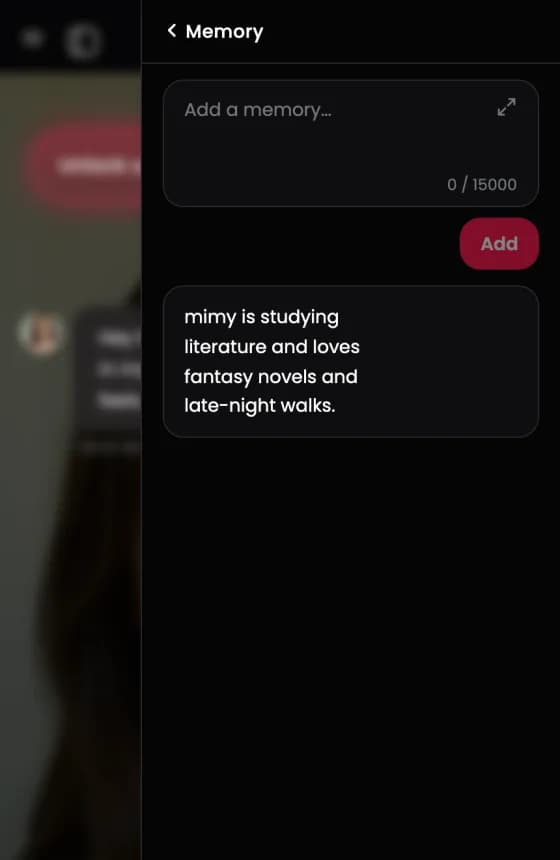
Open Memory from the panel to add facts the character always remembers for this chat. Type a memory and tap Add.
Every character is unique
Each character brings their own:
- Personality traits
- Kinks, preferences, and love styles
- Hidden sides you discover through chat
- Conversation style
- A fresh experience in each new scenario
Common questions
Why did the character forget something?
Add the fact to Memory in the panel. Pinned memories stay in every reply for this chat.
How do I start the chat over?
Open Settings and tap Clear to restart the scenario, or Delete chat room to remove it.
Which actions cost Neon Coins?
Scenes and reading a reply out loud cost 5 Neon Coins each. Calls cost Neon Coins per minute.
Can I change the tone or length of replies?
Yes. Open Settings and adjust Lust level for spice, Friendliness for warmth, Response length for how long replies are, and Creativity for how surprising they are.